Nobody Reads All 68 Pages: Turning Your Benefits Packet Into Something Employees Actually Open

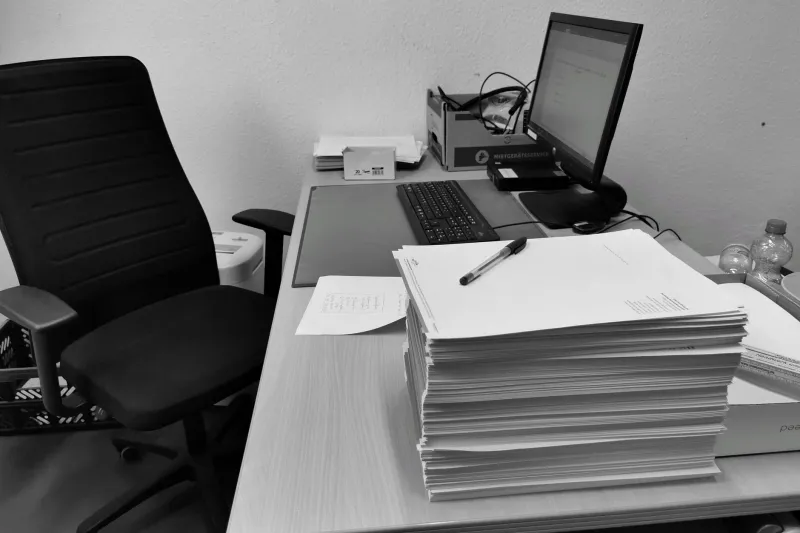
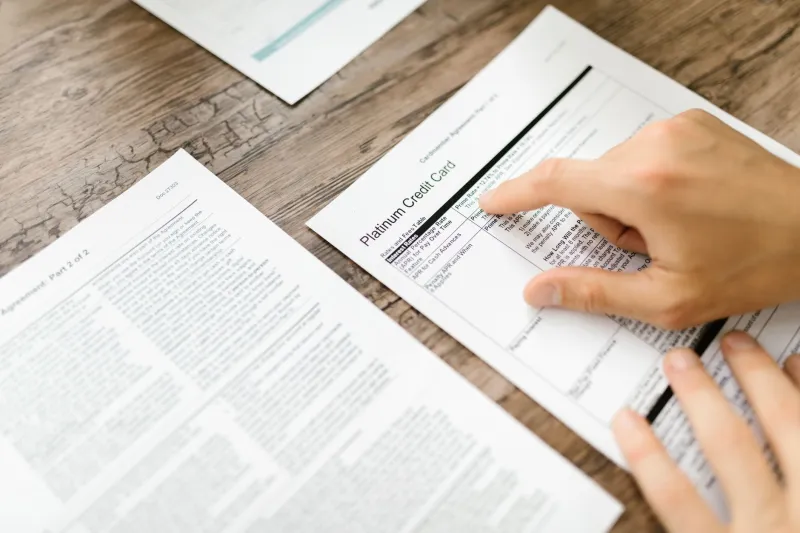
Every November, someone in HR uploads a 68-page open enrollment packet to the intranet and calls it communication. The packet is accurate. It's also a single file containing four medical plans, two dental options, an HSA explainer, a commuter benefit nobody remembers signing up for, and three state-specific notices that apply to about 11 percent of the workforce.
Compliance-wise, everything is there. Behaviorally, nothing is. People open the file on a phone, see 68 pages, and decide to deal with it later — which is how you end up with a January full of panicked emails about missed deadlines.
The fix isn't shorter documents. It's the right document, split out for the right person.
The packet isn't the problem — the single file is
Most benefits content is already modular. The problem is that it ships as one artifact because that's how it was assembled, not because that's how it gets used. A newly hired warehouse associate on the hourly plan does not need the executive medical summary. A remote employee in another state doesn't need the notice for a jurisdiction they don't live in.
Splitting the master into plan-specific and population-specific PDFs does three things at once: it shrinks what each person has to read, it lets you route documents by group, and it makes acknowledgments trackable at the level of who received which plan document.
Split by plan first, then by population
A two-axis split sounds fussy. It isn't, once you've done it once.
- Axis one — plan. One file per medical plan, one per dental, one per vision, one for HSA/FSA, one for retirement, one for the legal notice bundle.
- Axis two — population. Hourly, salaried, remote-by-state, union-covered, Medicare-eligible, and anyone with a qualifying life event. Most organizations land on four to six groups.
In practice you generate the plan files once and then build group-specific bundles by merging the relevant plan files together. The plan content stays identical across groups — same source pages, same wording — so you're not maintaining parallel documents. You're assembling different combinations from one library.
Keep the breadcrumbs
A split document that loses its navigation is worse than the original. Employees who can't find the page about prescription tiers will call HR, and HR will read the packet aloud over the phone.
Before splitting, check three things:
- Bookmarks survive the split. Page ranges cut mid-outline are how tables of contents turn into dead links. Use a splitter that carries the outline for the pages you extracted, not just the pixels.
- Every fragment gets a cover sheet. One page: plan name, who this applies to, the enrollment deadline, and a phone number. This is the single highest-value page in the whole project.
- Numbering stays coherent. If the master says see page 34, the fragment has to say where that content went — or you replace the cross-reference with a direct link.
Build a one-page what you need to do sheet for each group and put it first. Three bullets, one deadline, one link. That sheet gets read even when nothing else does.
Acknowledgments without a version war
Tracking who read what is where benefits communication usually falls apart. The instinct is to bolt an acknowledgment page onto each bundle and collect signatures, which works fine until someone updates a plan summary and reissues everything with a new date and a nearly identical file name.
A few rules keep it clean:
- One master, dated. Name it
2027_OE_MasterSource_2026-11-09.pdfand never edit an issued bundle in place. - Version in the file name, not in a chat message.
2027_OE_Medical_PlanA_Hourly_v1_2026-11-09.pdftells the recipient exactly what they're holding. - Log the split. A simple spreadsheet — group, file name, date issued, page count, hash or file size — settles 90 percent of which version did they get arguments.
- Collect acknowledgments per bundle, not per page. A single confirmation form with the bundle name and version printed on it is enough, whether it's an e-sign click or a scanned return.
- Retire the old ones loudly. When v2 goes out, tell people v1 is void and pull it from the shared drive.
If your enrollment platform already tracks acknowledgments, use it. If it doesn't, a versioned bundle plus a dated confirmation log will hold up fine against an auditor's questions.
The 20-minute split checklist
This whole job takes less time than the meeting where someone proposes it.
- Assemble the master PDF and confirm page counts against the source documents.
- Map page ranges to plans and notices in a spreadsheet before touching the file.
- Split by plan. Verify bookmarks and page numbering on each output.
- Build group bundles by merging the relevant plan files — nothing else.
- Add the cover sheet and the what you need to do page to each bundle.
- Run a text search on each output for the deadline date and the plan name to confirm nothing got cut.
- Check that no bundle accidentally includes another state's notice or another plan's rates.
- Issue with the versioned file name, log it, and archive the master.
What to tell leadership
Frame it as fewer inbound tickets and cleaner audit trails, because that's what it is. One-page routing sheets and plan-specific bundles cut the which plan am I on email volume noticeably, and per-bundle acknowledgment logs turn a compliance question into a filtered spreadsheet.
Also worth saying out loud: a document that's accurate but unread is a compliance artifact, not a communication. Splitting it is the cheapest way to move from one to the other.